We’ve refreshed the Guider platform registration process to make onboarding clearer, quicker, and more engaging. With these updates, you can expect a smoother experience, helpful new features like a progress bar to guide you through, and improved data collection to better support matching, reporting, and tracking progress over time.
Here’s what the updated flow looks like:
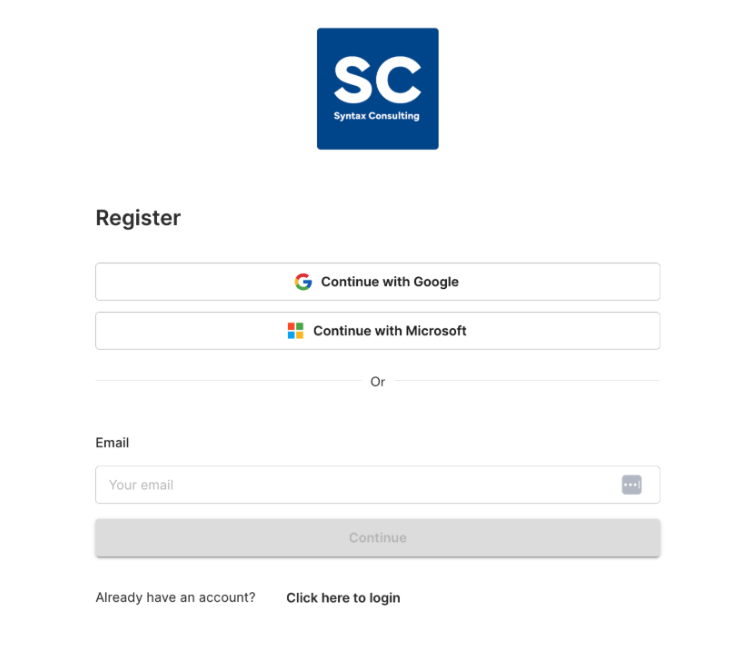
Choose Your Registration Method
You’ll start by selecting how you want to register, using either an email and password or a third-party login option, such as Google or Microsoft, depending on what your organisation has enabled.
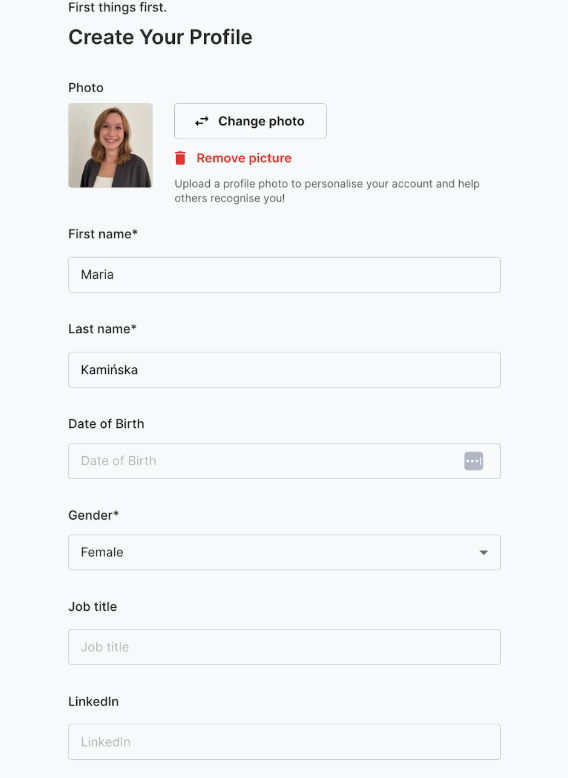
Add Your Personal Information
Next, you’ll fill out a short form to provide essential details, including a profile picture. This information helps us improve mentoring matches and supports reporting by offering insights into user backgrounds.
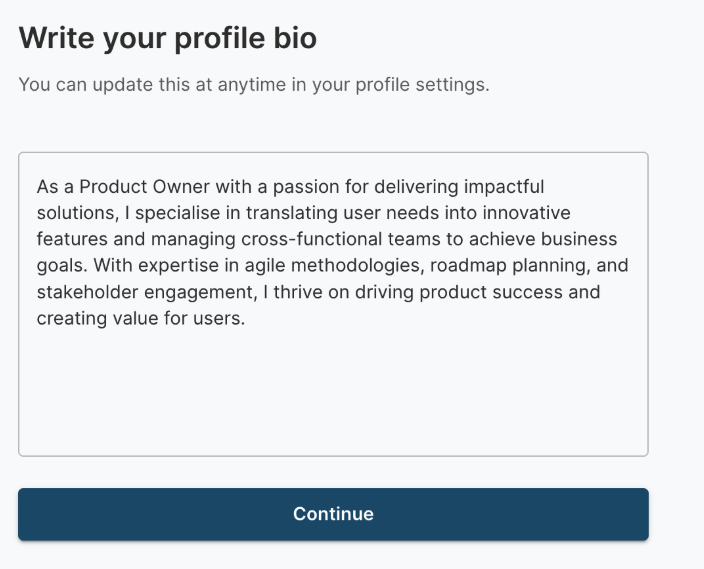
Write Your Bio
Your bio is an opportunity to introduce yourself to other participants. Share highlights about your professional background, interests, goals, and areas of expertise to help others make informed decisions during matching.
Note:
Previously integrated into the registration for each individual programme, the bio step has now been streamlined for user convenience. It is completed during the initial registration, allowing the same bio to be reused across all programmes. However, if you prefer for it to be tailored for each programme separately, this option is still available.
Explore and Join a Programme
Once your profile is set up, you can navigate to the “Programmes” tab to explore mentoring opportunities available in your organisation. Based on your preferences, you can join as:
A Mentor: Support others by sharing your knowledge and experience.
A Mentee: Learn and grow with guidance from a mentor.
Both Roles: Combine learning and sharing in different areas.
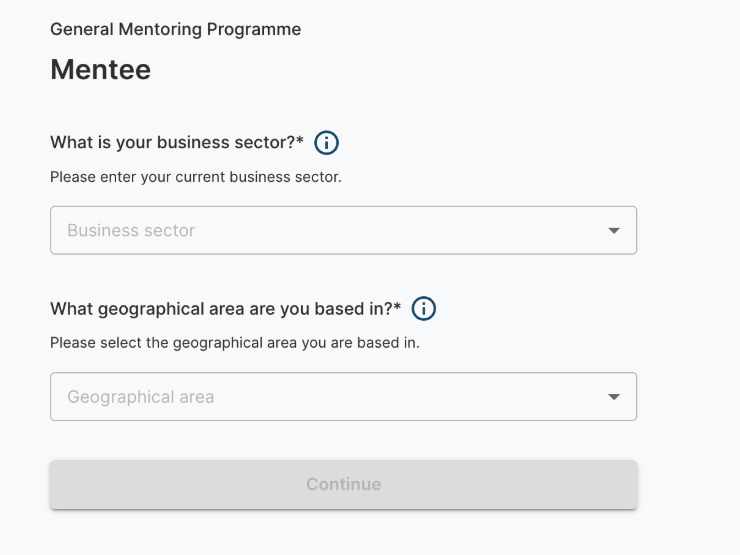
Answer Programme-Specific Questions
Depending on the programme, you may be asked to answer additional questions to further refine your profile for better matching. These responses also help programme coordinators gather valuable insights, improving their understanding of participants and enhancing programme statistics.
Set Your Goals
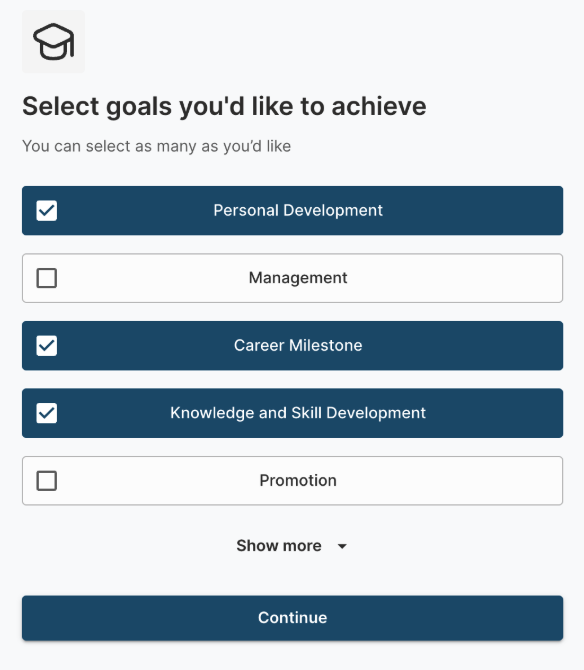
You’ll then identify key goals for your mentoring journey. As a mentee, select the outcomes you’d like to achieve, or as a mentor, indicate the goals you can help others reach. These initial choices lay the groundwork for later refining expectations.
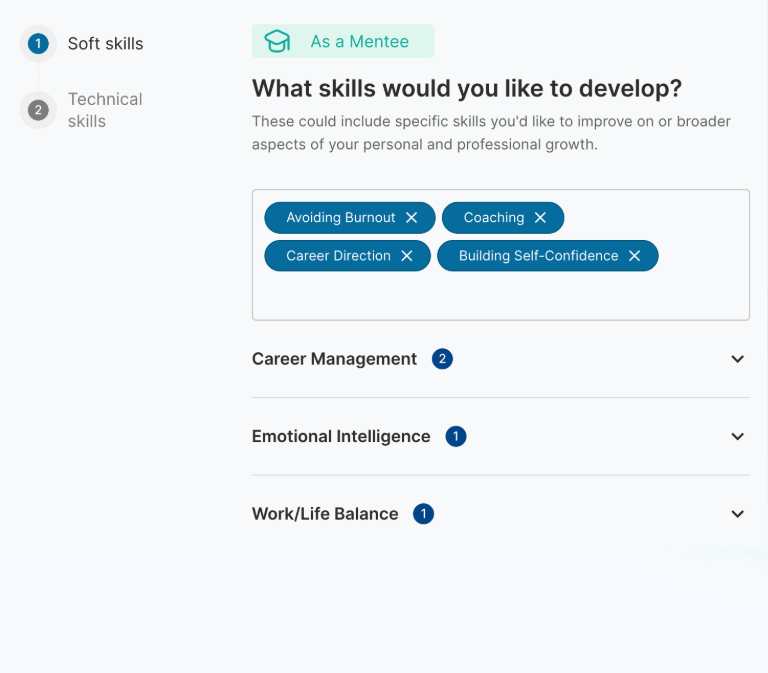
Select Your Soft Skills
Choose soft skills you’re looking to develop, such as teamwork or leadership, or as a mentor, the skills you can help others build. These interpersonal abilities are valuable for creating meaningful mentoring relationships.
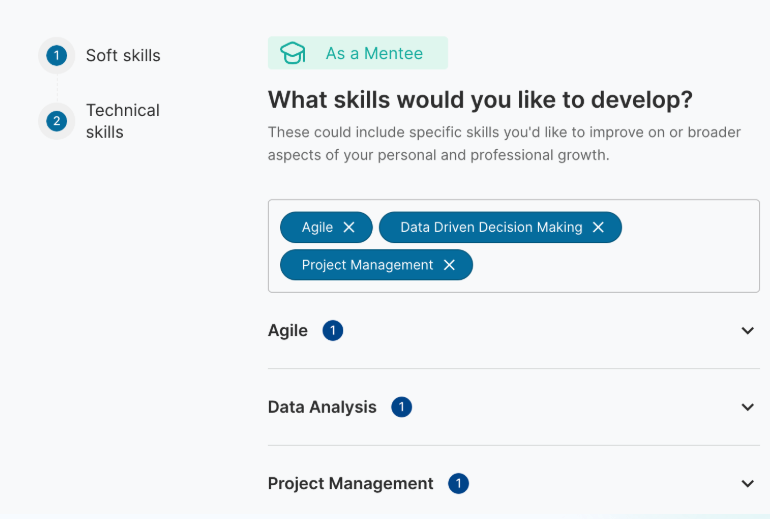
Select Your Technical Skills
Similarly, choose the technical skills you’d like to develop or those you can offer guidance on, such as project management, coding, or expertise in specific tools.
Review and Match
Mentors: Review and approve your profile, which will be visible to mentees looking for a match.
Mentees: Browse a list of suggested mentors aligned with your preferences and choose someone to begin collaborating with.
These updates to the registration flow are designed to create a more personalised and efficient onboarding experience for all users. By collecting detailed information about goals, skills, and preferences upfront, we can ensure more accurate and effective matches between mentors and mentees. This not only saves time but also maximises the value of each mentoring relationship by aligning expectations from the start. Additionally, the improved data collection allows programme coordinators to track progress more effectively, gain deeper insights into participant needs, and continuously refine the programme to better support personal and professional growth.