We’re all about making mentoring easy and impactful. That’s why the Guider MS Teams App exists, bringing the power of mentorship directly into your daily workflow.
Why This Matters
We know you’re juggling a lot, and switching between tools can be a hassle. With Guider’s MS Teams integration, you can:
Connect effortlessly: Find mentors or mentees and match in moments.
Stay on track: Schedule sessions, share updates, and communicate without leaving Teams.
Learn in the flow: Access mentoring resources, tips, and support right where you’re working.
How It Works
1. Download the Guider App in Teams
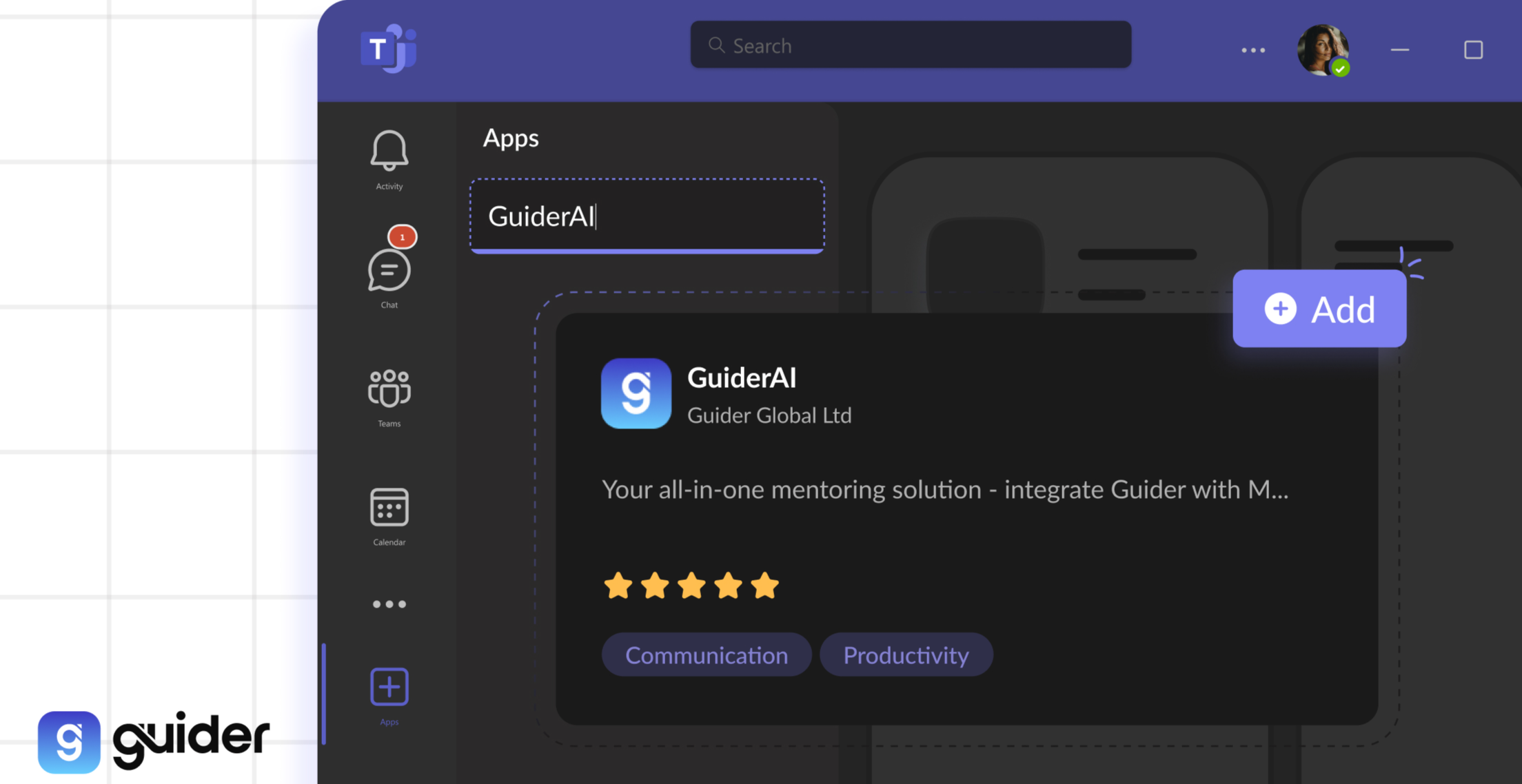
Open MS Teams and click the “Apps icon on the left sidebar.
Search “GuiderAI” and click “Add” to install.
2. Sign In
Enter your organisation name (e.g., if your Guider URL is microsoft.guider.app, your organisation name is “microsoft”).
Log in with your credentials or SSO.
3. Explore Two Core Tabs
Platform Tab: Full access to Guider features like matching, messaging, programme management, and the Learning Hub all embedded in Teams.
Chat Tab: Get personalised guidance, quick actions, and AI powered tips from the Guider Chat Bot. Receive real time notifications and updates so you never miss a beat.
Why You’ll Love It
By keeping everything in MS Teams, mentoring becomes an effortless part of your day. Whether you’re looking to upskill, get support, or share knowledge, the Guider MS Teams app is here to make it simple, accessible, and impactful.
Get Started Today! Download the Guider MS Teams app now and see how easy mentoring can be.